Configure models
This guide assumes you started the Web UI through the root README. Model changes take effect on the next request without restarting the server.
Configure DeepSeek
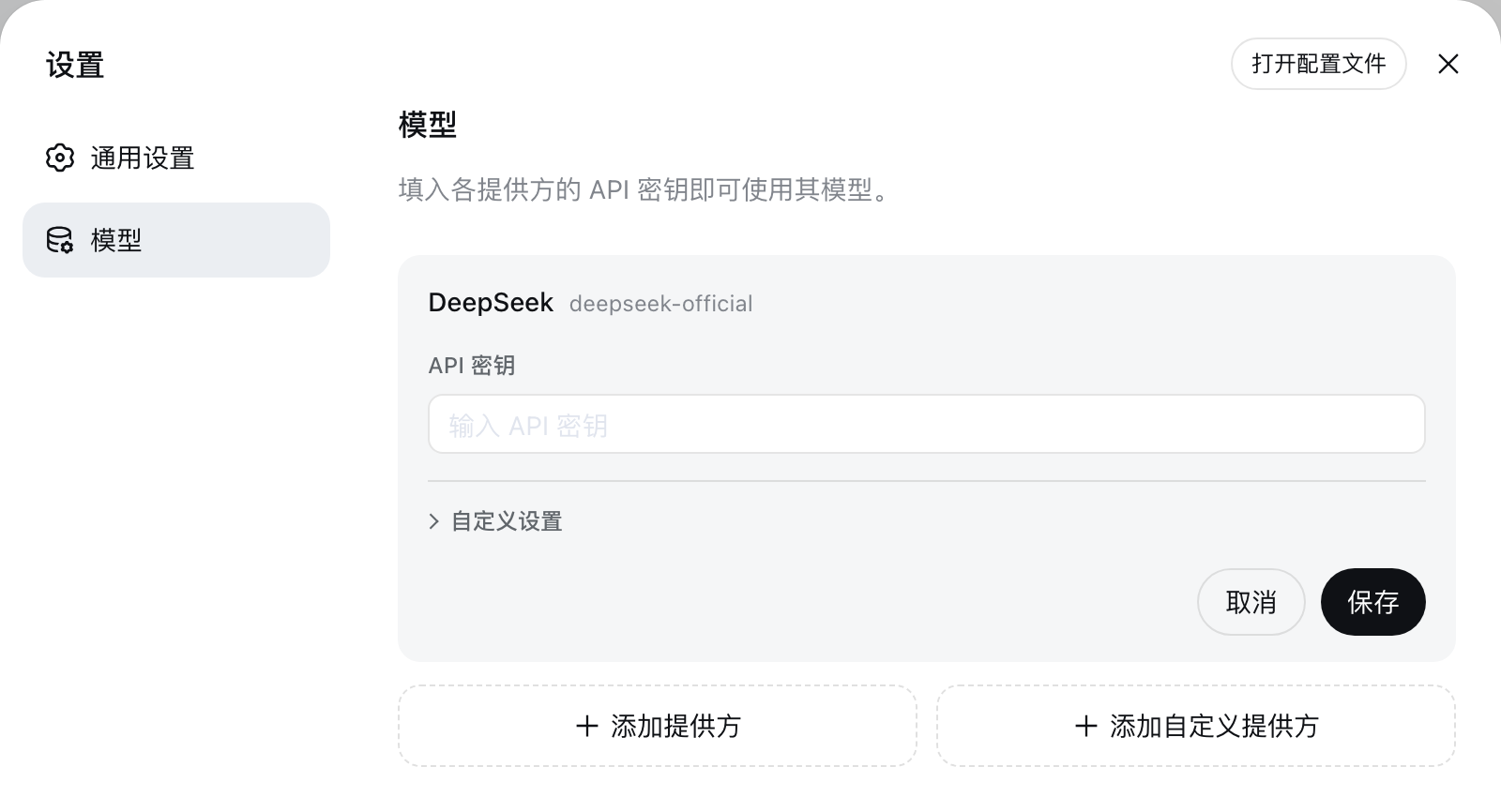
Open Settings → Models. The DeepSeek card exposes one API-key field; enter the key and save it.
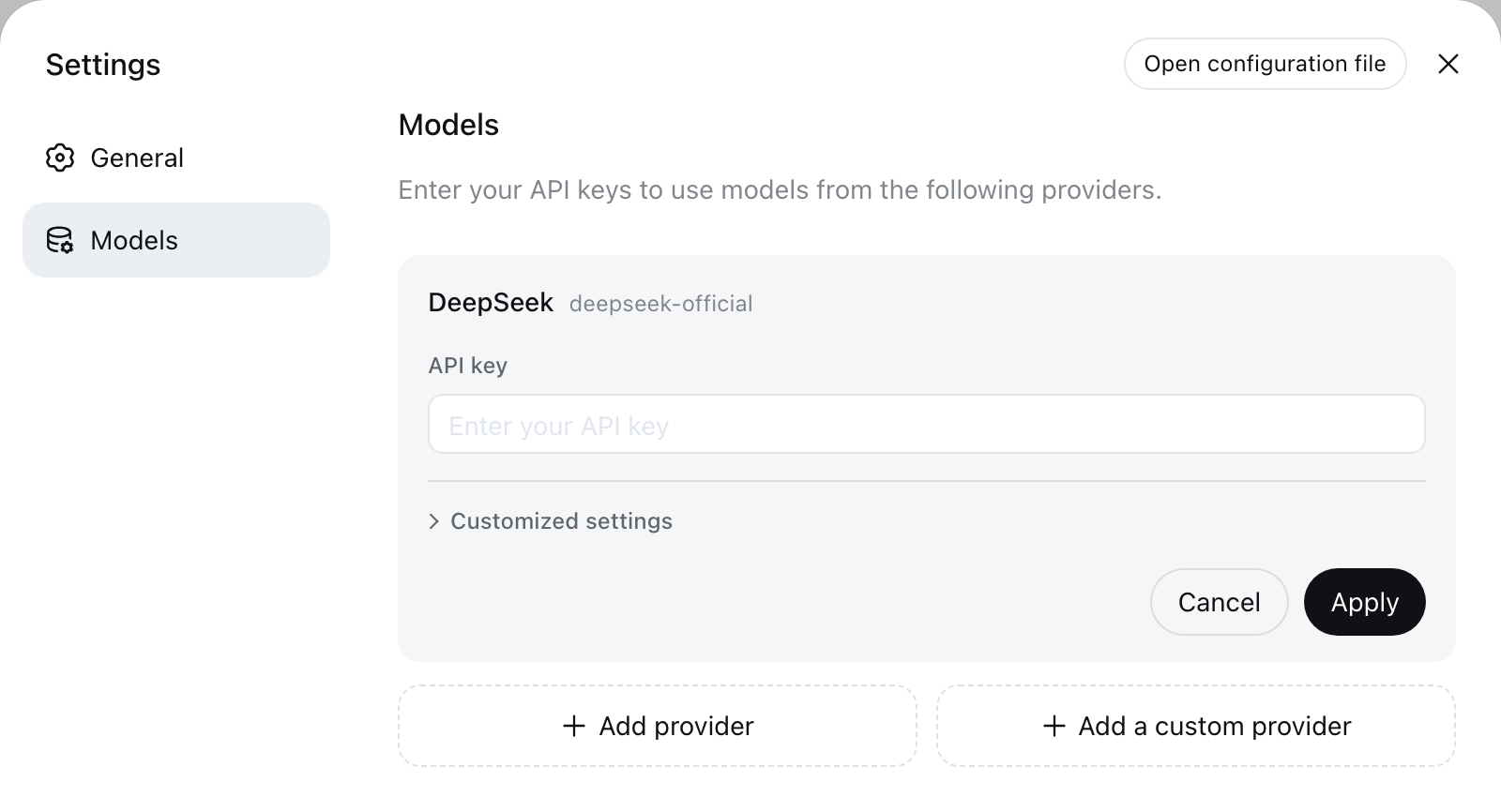
Keys are write-only. The page receives a redacted descriptor after saving, never the literal secret. The key is stored in $DSH_HOME/.credentials.yaml, while settings retain only its credential reference.
Add a catalog provider
Choose Add provider, select a provider such as Anthropic or OpenAI, enter its API key, and save. The installed catalog supplies the endpoint, protocol, and model list.
Providers with native authentication need their native credentials instead. Bedrock, Vertex, Azure, and Codex use AWS credentials and a region, an ADC project, an api-version, and OAuth respectively; filling only the API-key field does not configure them.
Add a custom provider
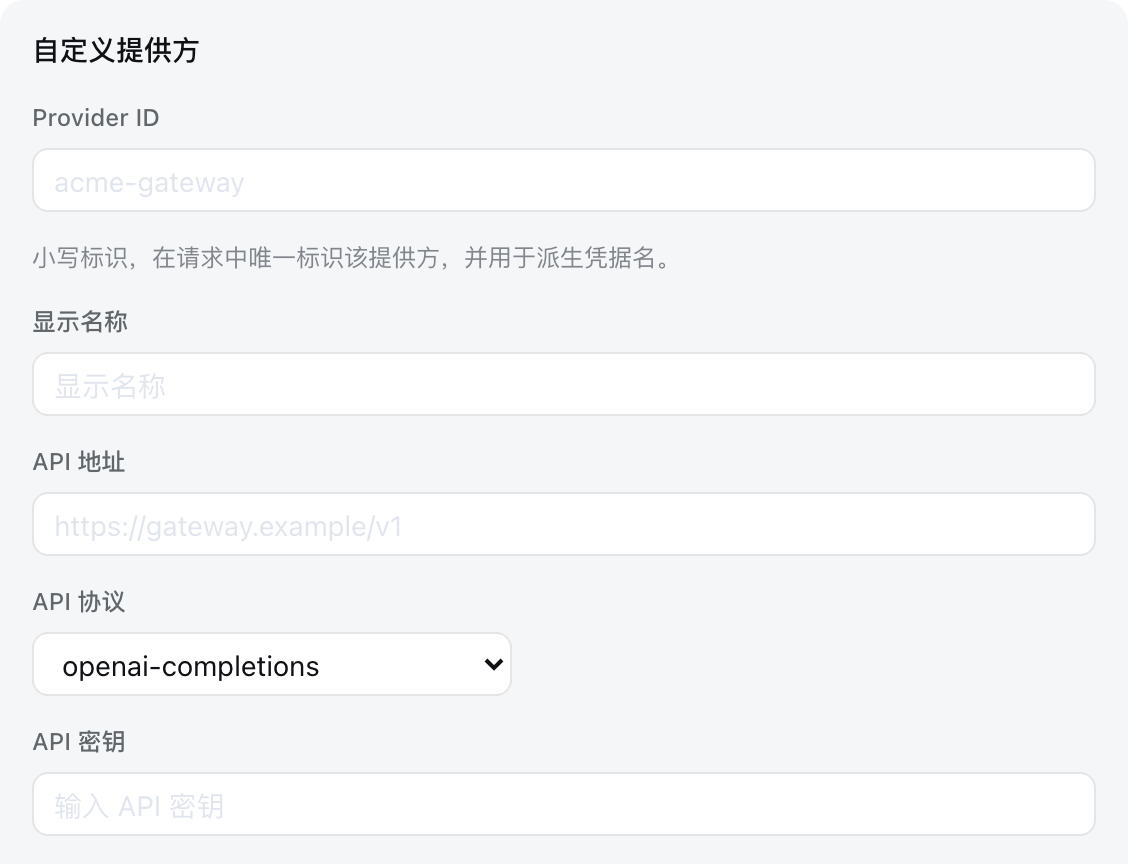
Choose Add a custom provider for a company gateway, self-hosted server, or provider absent from the installed catalog. Supply a lowercase Provider ID, base URL, API protocol, credential, and at least one model.
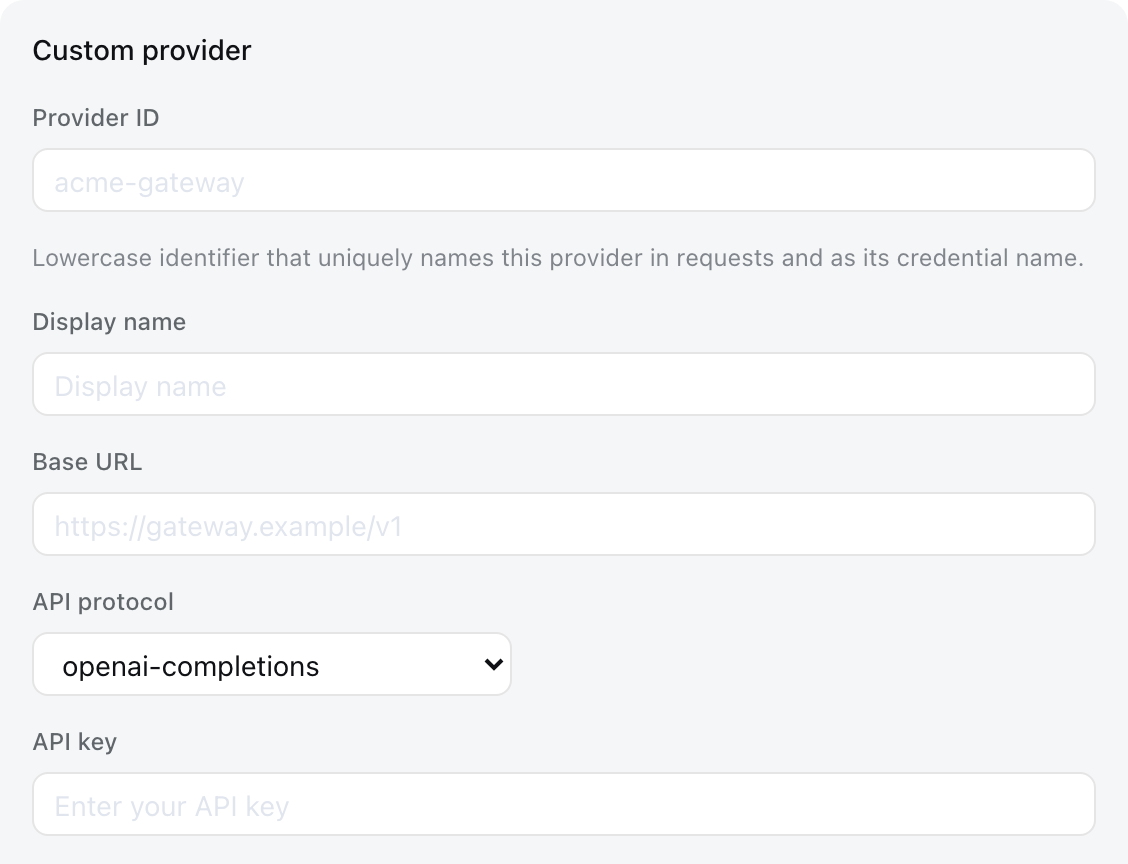
The Provider ID is permanent because requests, saved sessions, model defaults, and credential references use it. To rename a provider, add a new provider and delete the old one. The display name, base URL, protocol, credential, and models remain editable.
Under Model catalog, choose Fetch available models to query the base URL and credential currently shown in the form. Selecting candidates updates the draft; the provider is not stored until you save. Catalog providers use their installed catalog without a network request.
Image input
A model you enter by hand is treated as text-only until it says otherwise, because nothing can ask an endpoint which modalities it accepts. Attaching an image to such a model is refused before it is sent, naming the model.
A vision model on a custom provider therefore needs one line. The form has no field for it; add input to the model in $DSH_HOME/settings.yaml:
llm-pi-ai:
  providers:
    my-gateway:
      apiKeyEnv: GATEWAY_API_KEY
      api: openai-completions
      baseURL: https://gateway.example/v1
      models:
        - id: legacy-chat
        - id: vision-preview
          input: [text, image]
input accepts text and image, and applies to that model alone, so one route can serve both kinds. Omitting it — or writing an empty list, which means the same thing — keeps whatever the installed catalog records for that model, and falls back to the route's defaultInput for a model the catalog does not describe.
If every model you entered by hand takes images, set the fallback once on the route instead of on each of them:
llm-pi-ai:
  providers:
    vision-gateway:
      apiKeyEnv: GATEWAY_API_KEY
      api: openai-completions
      baseURL: https://vision.example/v1
      defaultInput: [text, image]
      models:
        - id: first-model
        - id: second-model
defaultInput is a fallback, not an override, and defaults to [text]: on a catalog provider it answers only for models the catalog does not describe, so it never removes images from a catalog model that has them. Narrow one of those with that model's own input. A catalog provider has no models list to put it in, so write it under modelOverrides, keyed by model id:
llm-pi-ai:
  providers:
    anthropic:
      modelOverrides:
        claude-sonnet-4-5:
          input: [text]
Every list must name at least one modality except a model's own, where an empty list means the same as omitting it. An unknown modality is refused wherever it is written.
Both fields state a claim about your endpoint rather than checking it. A model that declares images its endpoint does not serve is not caught here; the provider rejects the request instead.
Select a model
Configured providers appear in the model picker. Selecting a model also makes it the default for new sessions. A session that has already sent a request retains the model recorded in its own log.
If a saved default names a provider that was deleted, the composer displays Select model and blocks input until another model is selected.
Troubleshooting
MISSING_CREDENTIAL— Store the provider key through the Models page or supply the referenced environment variable.UNKNOWN_MODEL— Select a configured model or add the missing model to the custom provider.- Fetching available models returns 401 — Check the key. Model discovery calls the OpenAI-compatible
GET /modelsendpoint; enter models manually for endpoints that do not provide it. - An image is refused before sending — The model declares no image modality. Give a custom provider's model
input: [text, image]; DeepSeek's own chat-completions route is text-only and cannot be configured otherwise. - The provider rejects a request carrying an image — The model declares images its endpoint does not actually serve. Remove
imagefrom whichever list granted it — the model'sinput, or the route'sdefaultInput— then start a new session: the attached image stays in the session log, so the same request repeats until the session moves off it.
Advanced configuration
The generated plugin configuration catalog lists every supported field and default. The dsh-llm-pi-ai and dsh-llm-deepseek references own direct settings.yaml configuration, catalog resolution, reasoning controls, credentials, and adapter errors.